Getting started
Sign up, create an API key, and extract the content of your first page in a few minutes.
This guide takes you from an empty account to your first fetched page. You'll sign up, create an API key, and call the API with a single URL.
1. Create an account
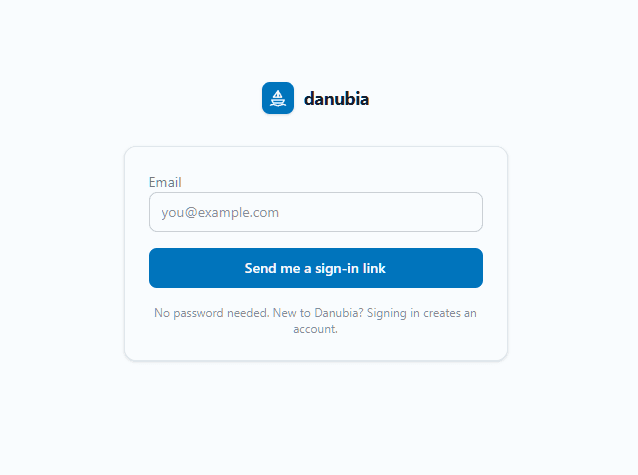
Sign in to the Danubia dashboardSign up is passwordless. Enter your email, and we send you a magic link. Click it, add your name and company, and you're in.
New accounts get 500 free credits to try the API, no credit card required. Read about the public beta for the details.
2. Create an API key
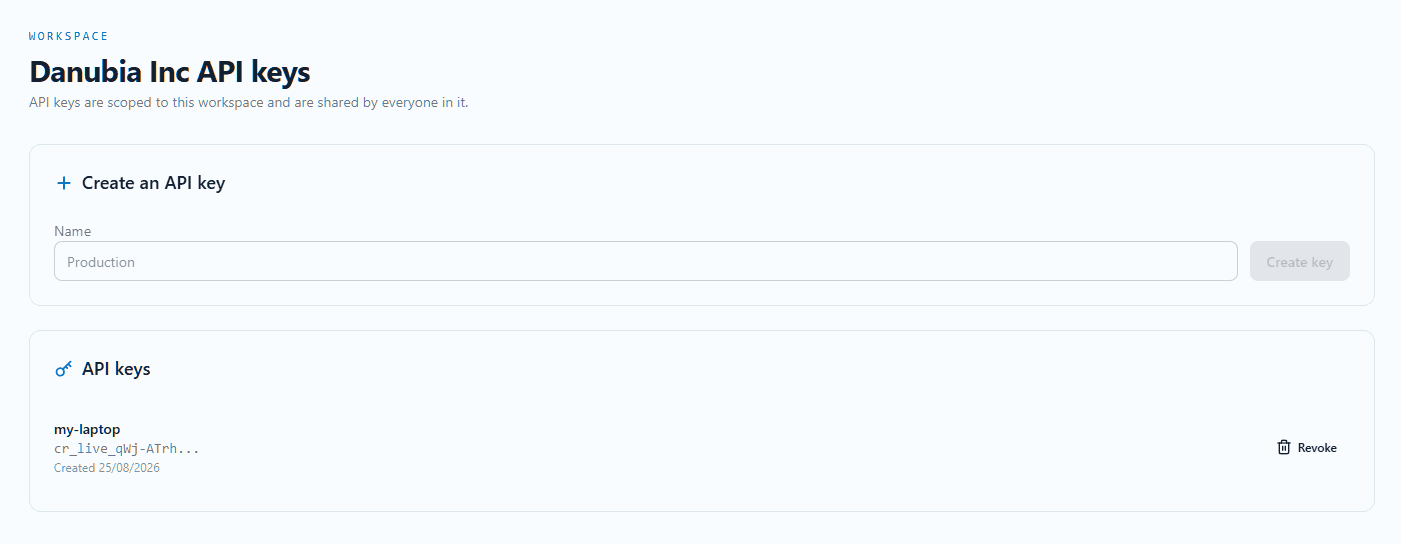
In the dashboard, open API keys and create a new key. Give it a name so you can tell it apart later.
Your key is shown once. Copy it and store it somewhere safe, like your password manager. You won't be able to see it again.
API keys look like cr_live_... and are scoped to your workspace.
3. Fetch a page
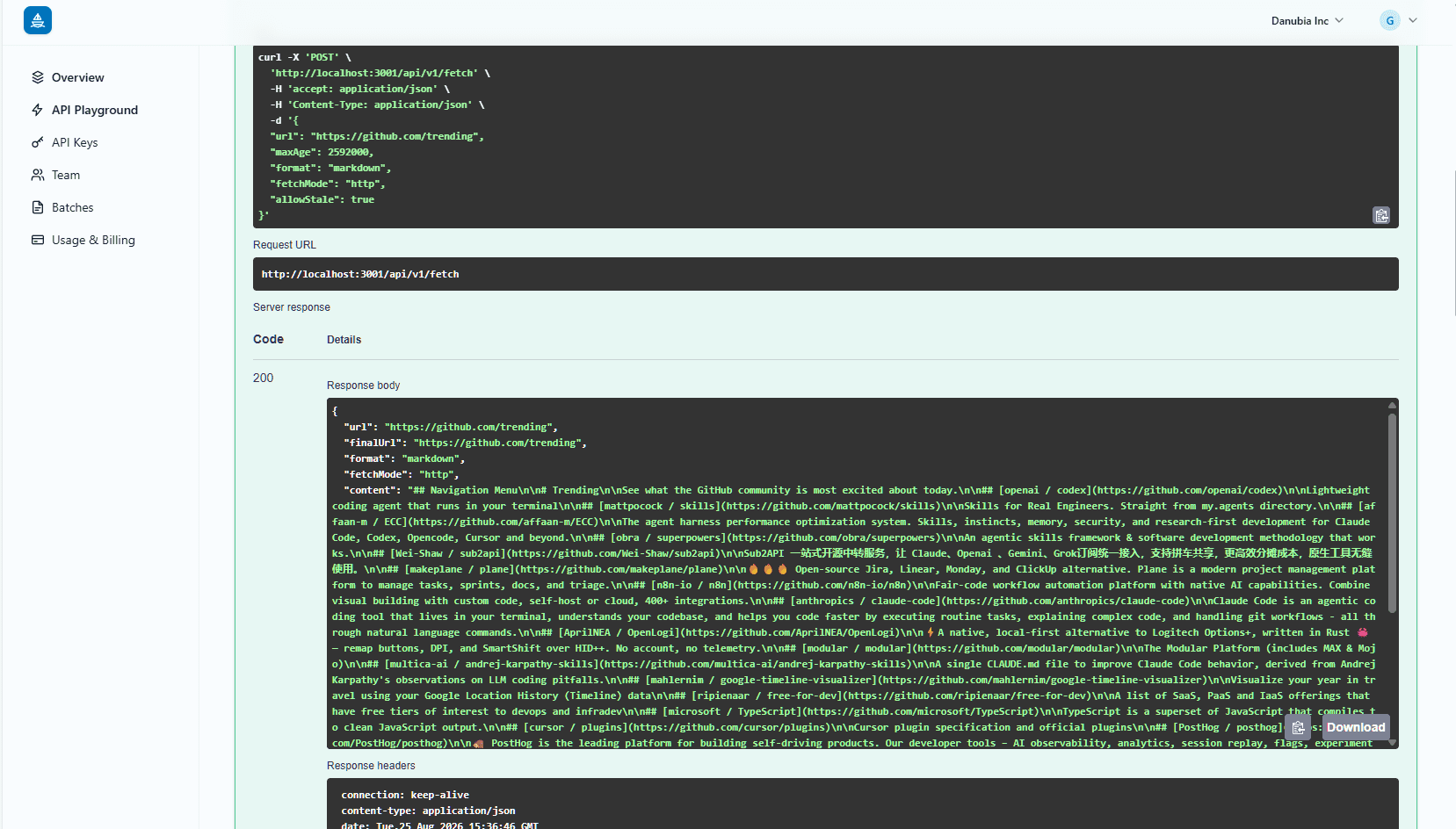
With your key in hand, send your first request. Here's the same call with curl:
curl -X POST https://app.danubia.tech/api/v1/fetch \
  -H "Authorization: Bearer cr_live_..." \
  -H "Content-Type: application/json" \
  -d '{"url": "https://example.com", "format": "markdown"}'
Replace cr_live_... with your actual API key. The response contains the page's main content as markdown, plus the page's metadata: the extracted title, the final URL after redirects, the complete redirect chain, cache freshness (source/stale/fetchedAt), page features (h1, language, description), and the credits consumed.
What's next
- Extract many pages at once with the batch API.
- Browse the REST API reference for every endpoint, format and option.
- Get more context on the public beta, including free credits.